Active Area
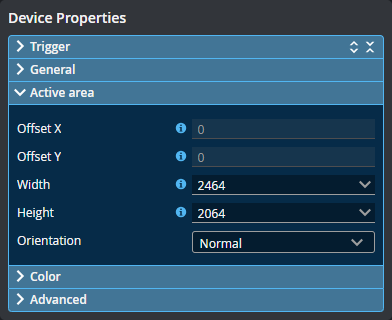
By default, the active area covers the sensor's entire scan area. By reducing the active area, the sensor can operate at higher frame rates. You can also reduce the active area to exclude areas that are affected by ambient light, or to avoid supports or parts of a transport system (such as a conveyor).
You set the active area in the Acquire page, in the Active area section under Sensor Properties.
To reset the active area
-
Click the Reset button.