Data Storage Service
The data storage service lets you upload data acquired on sensors and smart cameras to a remote FTP server. On GoMax Smart Vision Accelerators, smart cameras, and GoPxL for PC, data can also be stored to a local folder. Auxiliary data, such as preview images and logs, can also be stored.

|
On GoMax devices and 2D smart cameras, when the service is configured to save files on the device's internal FTP server (Storage mode > Save location is set to Local), the optional timestamp used in file names is based on the internal time of the device, and the time is reset when the device power cycles. |
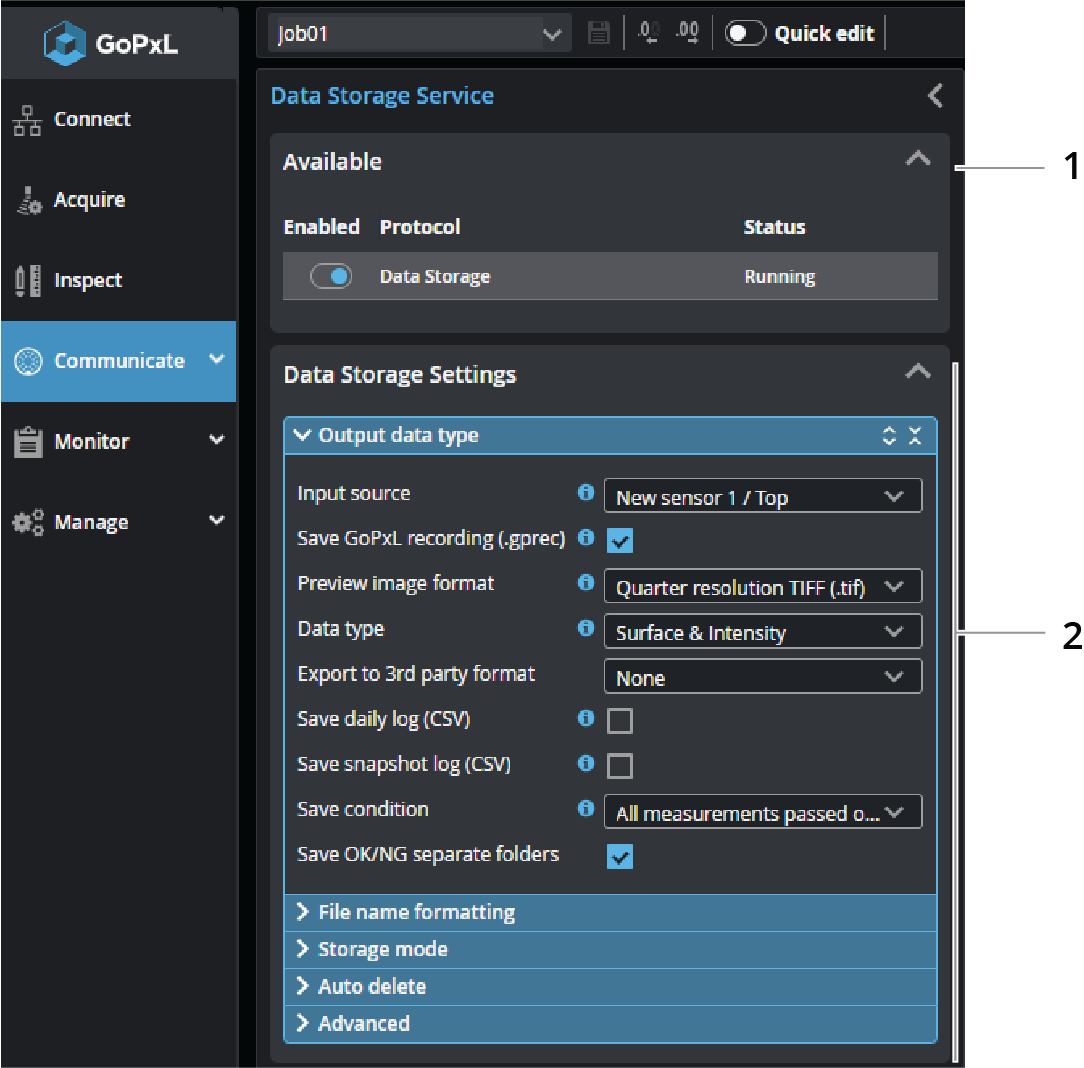
| Element | Description | |
|---|---|---|
|
1 |
Available |
Disables the data storage service and displays its status. |
| 2 | Data Storage Settings |
Lets you configure the data storage service. For more information, see the tables below. |
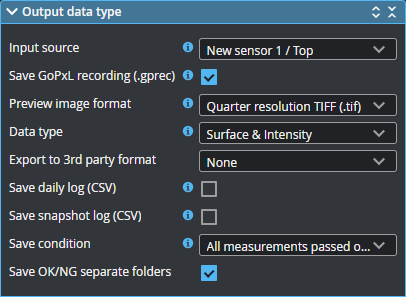
You configure the source, save condition, and types of data the service saves to the FTP server in the expandable Output data type section.
| Setting | Description |
|---|---|
|
Input source |
The source from which the tool takes data. The service does not support profile or measurement inputs. |
| Save GoPxL recording (.gprec) | Saves the current frame to a GoPxL recording file. |
| Preview image format |
The format the tool uses when saving a preview image of the current frame. All formats are compressed; some are lossy, others lossless. One of the following:
|
| Data type |
The data types for which a preview image is stored. On line profile sensors, one of the following: Surface, Intensity, or Surface & Intensity. You must enable Acquire intensity on the Acquire page to store intensity; for more information, see Acquire - Alignment and Acquisition. |
| Export to 3rd party format |
Exports the current frame's Surface data to a 3D format. One of the following:
|
| Save daily log (CSV) | Saves a CVS log every 24 hours. Each time a frame is acquired, GoPxL adds information relative to that frame to this log. |
| Daily log period | The number of days the tool saves a log. |
| Save snapshot log (CSV) | Saves a CSV log for the current frame. |
| Save condition |
The conditions that trigger saving data. For all conditions except "All measurements passed or failed" with Save OK/NG separate folders enabled, frames are saved in the root directory defined in service's Storage mode > Path on FTP site setting.
One of the following:
All measurements passed or failed (everything) Always saves a frame, whether measurements pass or fail, but also if you haven't added any measurements. When this save condition is selected, you can choose whether to save frames in separate "OK" and "NG" folders by enabling Save OK/NG separate folders. When the option is disabled, all files are saved in the folder set in Path on FTP site, in the service's Storage mode section.
All measurements passed All measurements failed Only saves a frame if all enabled measurements pass or fail, respectively.
Any measurements failed Saves a frame if any of the enabled measures fail.
Specific measurement failed Saves a frame when a selected measurement fails. Select the measurement in the Measurement drop-down.
Specific measurement range Saves a frame only if the value of the measurement selected in Measurement is in the range defined by Minimum and Maximum; the range is inclusive. |
You configure the format of the file names in the expandable File name formatting section.
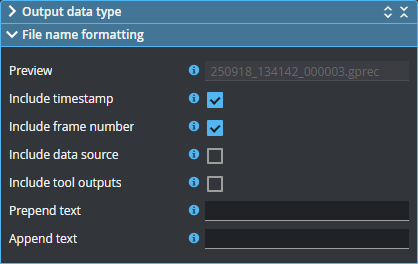
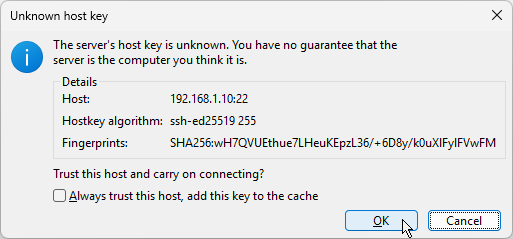
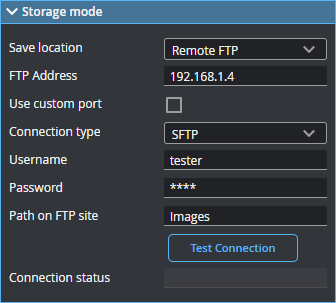
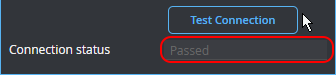
You configure the settings of the remote FTP/SFTP server in the expandable Storage mode section. If you are running GoPxL on a PC, you can also select and configure local storage.
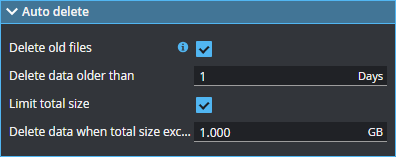
To ensure that the device receiving the frames doesn't run out of space, you can set limits in the expandable Auto delete section.
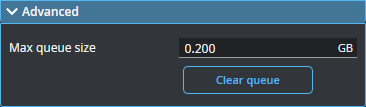
You set advanced settings in the expandable Advanced section.