Multiple Exposure
The sensor can combine data from multiple exposures to create a single profile (G2, G4, and G5) or 3D scan (all families). Multiple exposures can be used to increase the ability to detect light and dark materials that are in the field of view simultaneously. Note that you can optionally output the scan data for the different exposures as separate profiles or surfaces, but only if uniform spacing is disabled.
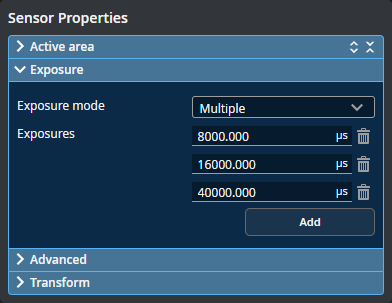
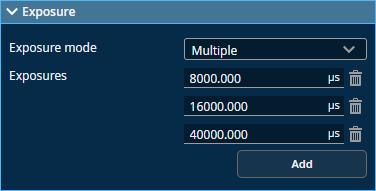
You can define up to five exposures (three for G3 sensors), with each set to a different exposure level. You add exposures using the Add button, and remove them using the trashcan icon.
For each exposure, the sensor will perform a complete scan at the current frame rate making the effective frame rate slower. For example, if two exposures are selected, then the speed will be half of the single exposure frame rate. The sensor will perform a complete multi-exposure scan for each external input.
The resulting scan data is a composite created by combing data collected with different exposures.
If you have enabled intensity in the Scan Mode panel, you can use Intensity (Intensity index on some models) to choose which exposure the sensor uses for acquiring intensity data. This lets you choose the exposure that produces the best image for intensity data.
You can also choose which camera is used as the source for intensity data using the Intensity source setting: if the left camera is typically affected by reflections off a part but not the right camera, you could choose the right camera as the source for intensity data.
| Setting | Description |
|---|---|
| Exposure Mode |
Single or Multiple. Set to Multiple. |
| Intensity Source | The camera used for the intensity data. One of the following: Auto (combines intensity data from both cameras), Left, or Right. Choose the option that provides the best data. |